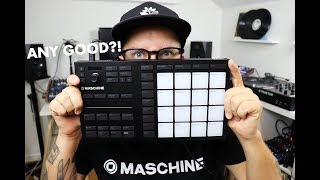
✅ Maschine MK3 Beginners Tutorial: How to Make a beat (Easy to follow)
 In this Video: I walk you through making a simple beat on the Maschine MK3 Controller. *Update* (Click “Show More” ~ Read Description)
This video is ideal for beginners who have just picked up the Maschine MK3 and are looking for a tutorial on making a beat quickly without using the Maschine software.
*Update*
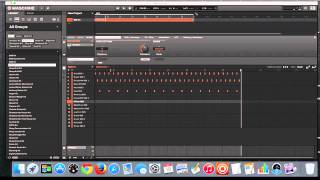
Just a heads up guys! After the 2.7.3 update: *To see the events window* (The window that lets you see the bar moving ~ at 2:24 in the video) you have to hold down shift and press events. Also, when in the events window, make sure menu button 1 [events] is illuminated so the events screen stays opened! *To double the loop:* (3:26 on the video) Press “step” and then menu button 4 [Double] on top . After you’ve doubled it you can return to the previous windows by pressing “pad mode” then holding shift and pressing “events”.
Help keep these video’s coming by showing some support: http://paypal.me/sftraxx
Also, If you have found this video helpful please help support the channel by clicking the like button and subscribing to the channel.
If you have any questions, or would like to see a tutorial about a specific function on the MK3 let me know in the comments below!
Also, don’t forget to subscribe!
Thanks for watching!
Peace ~

![Maschine Studio NATIVE INSTRUMENTS [TUTO MAO GUITARE]](https://maschineowners.com/wp-content/uploads/2018/10/fik09p.jpg)