NI Maschine – Using Liquid Notes with Maschine – How to Tutorial
 Get a discount on buying Liquid notes with this code – LNMASSIVE14 – simply use the code on check out here: http://www.re-compose.com/liquid-notes-music-software.html
For more Maschine tutorials, please check out our website at http://www.maschineskills.com/
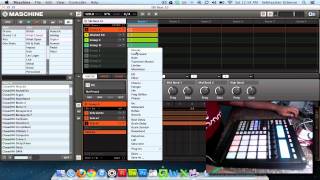
Liquid Notes is a fairly unique (as far as I know) program devoted to analyzing and editing MIDI files. In this tutorial, I show how to use Liquid Notes with Maschine, as well as briefly covering the Import and Export MIDI functions in Maschine.
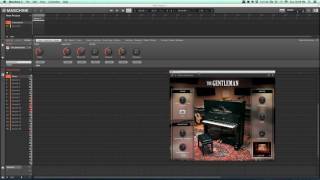
First, we need a MIDI file to operate on. There are a nearly infinite number of free MIDI files available online, but you can also make one quite easily in Maschine . Once you have a MIDI file, you can route the data from Liquid Notes to Maschine so you can hear what you’re working on. There are also some very basic built-in synths but I strongly suggest listening to the changes on the instruments they will be played on.
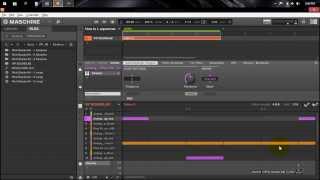
The MIDI file you provide will be analyzed, and then we are able to manipulate the harmonic content merely by turning knobs at the corresponding place in the timeline view. Once you have an arrangement you like, it is a simple matter to export the MIDI and load it back into a new pattern in Maschine.