Studio One 4 and Maschine Tutorial (Single Group)
 Hey again. This is part one of my tutorial on how to route and use Maschine with Studio One 4 with a single group. Part 2 will cover multi-group/hybrid setups.
Enjoy!
Templates (includes Maschine and Studio One Templates)
Updated for Studio One 4.5.3 and Maschine 2.8.5
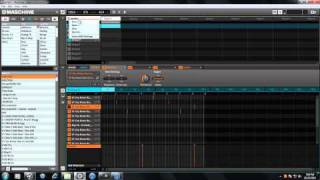
NOTE: The extra midi channels (2-16) are included in the track list of the template, but you only need Maschine Out 1 to use this template. The rest can be removed. Each pad in Group A1 is routed to an individual Maschine Out in the Mixer. If you want to break the tracks out by midi channel, use the Sounds to Midi Channels tool and correct the Pad inputs to the correct channels at the sound level and remove the host setting on the group level.
https://drive.google.com/file/d/1tK48n9uONJOhSw3NockrLQ64GjA15XUd/view?usp=sharing
You should just be able to put the studio one template files…
Maschine Single Group Template.data
Maschine Single Group Template
Into the DocumentsStudio Onetemplatesv4 folder and open a new song with it. The Maschine Project file is also included for those who want the same routing in other DAWs.
Part 2: https://youtu.be/9MHMWpFy-E0