Using Ableton Live w/ Native Instruments' Maschine for Production & Performance
 For more info – http://bit.ly/le4zFQ
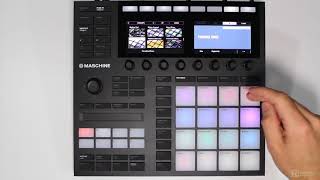
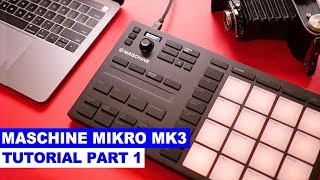
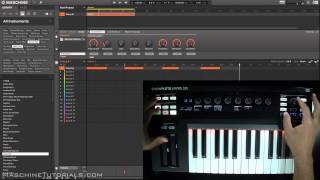
In this video Native Instruments product specialist Matt Cellitti, explains and demonstrates how to use Maschine to control Ableton Live and simultaneously as a plugin inside the software. Together Maschine and Ableton are a powerful combination for production and performance. Cellitti starts by showing us how to load the Ableton Live template that can be accessed via Maschine’s hardware or Native Instruments bundled Controller Editor software. He then goes into detail of how Maschine can be used to trigger clips, scenes and FX as well as control other parameters such as individual track volume. After this, he explains how to switch Maschine to a standard MIDI controller within Ableton to program and perform new drum parts and synth lines, all without stopping the music in Ableton Live.
Check out our channel page for more tutorials, reviews, recaps, interviews, see what our partners are up to and more! And stay up to date with our latest videos by subscribing! http://www.youtube.com/subscription_center?add_user=DubSpot
If you have any questions, comments or suggestions from this video please share them with us in the comments section below 🙂
Never miss a beat by following us here!
Facebook: https://www.facebook.com/DubSpot
Instagram: http://statigr.am/dubspot
Twitter: https://twitter.com/Dubspot
Vine: @Dubspot